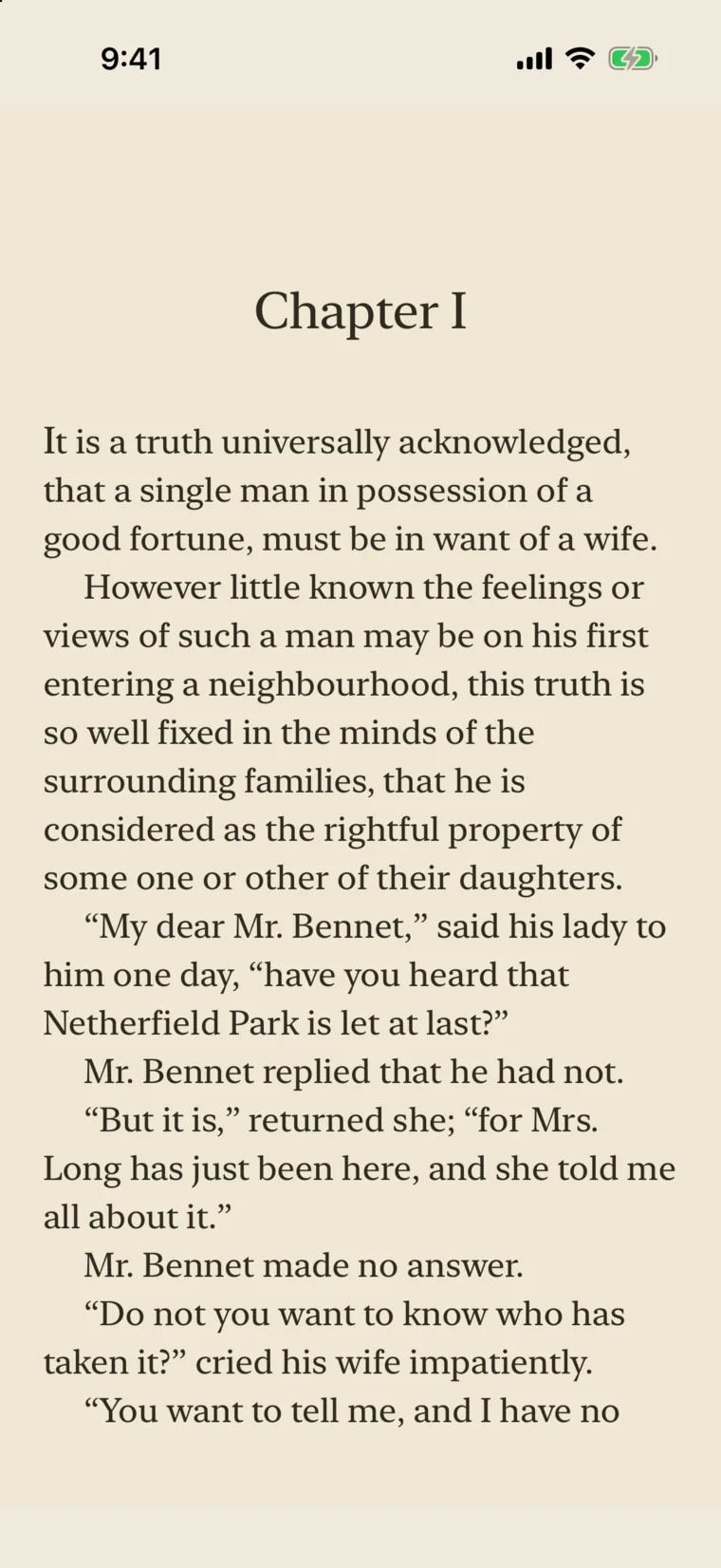













Highlights and notes
Highlight in yellow, green, blue, pink, or purple, or underline. Add a note, and find them all again in the Highlights tab.
For iPhone, iPad & Mac
A fast, private home for the EPUBs, PDFs, and comics you own. Pull new books from your OPDS catalogs, keep every device in step through your own iCloud, and never pay a subscription.
Not released yet. Choose a platform above for a launch notification.

The reading room
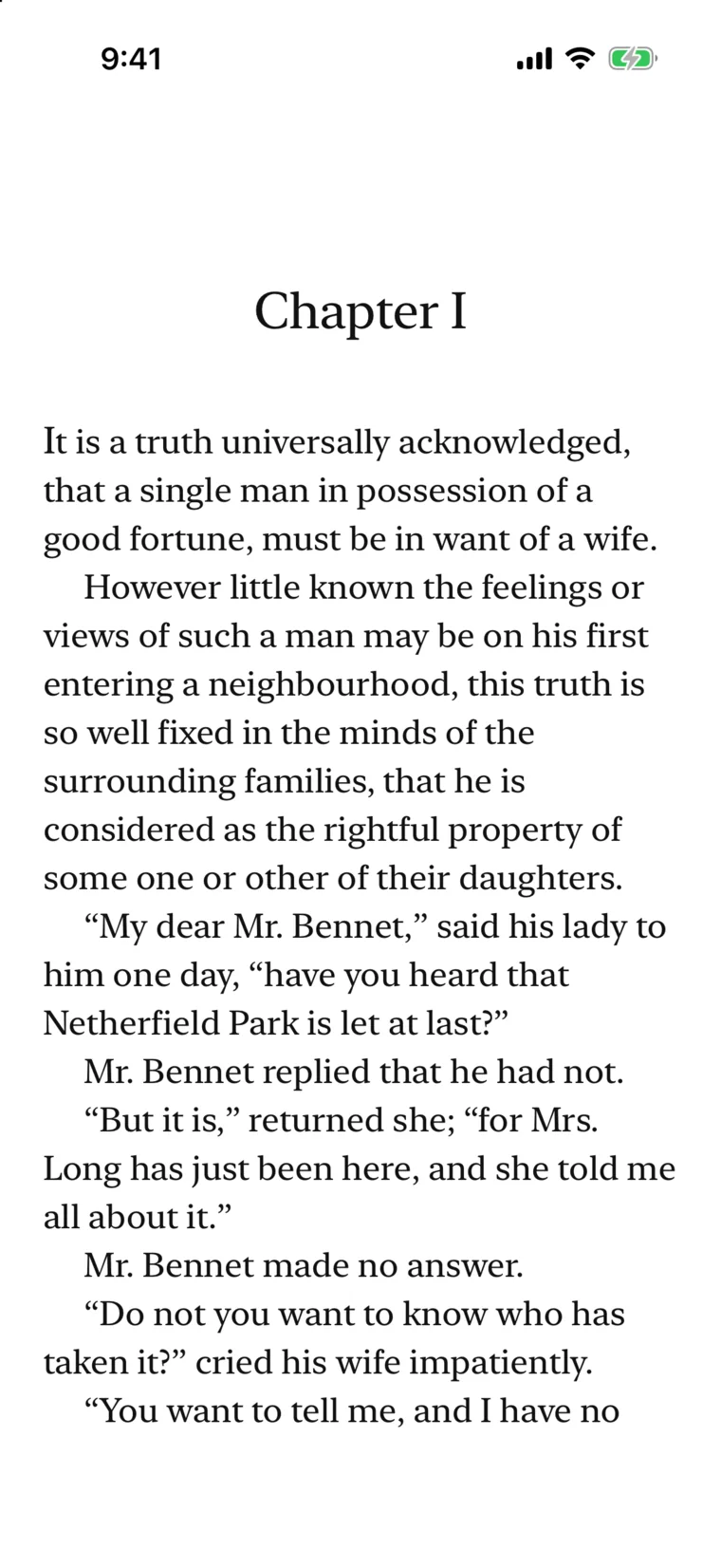
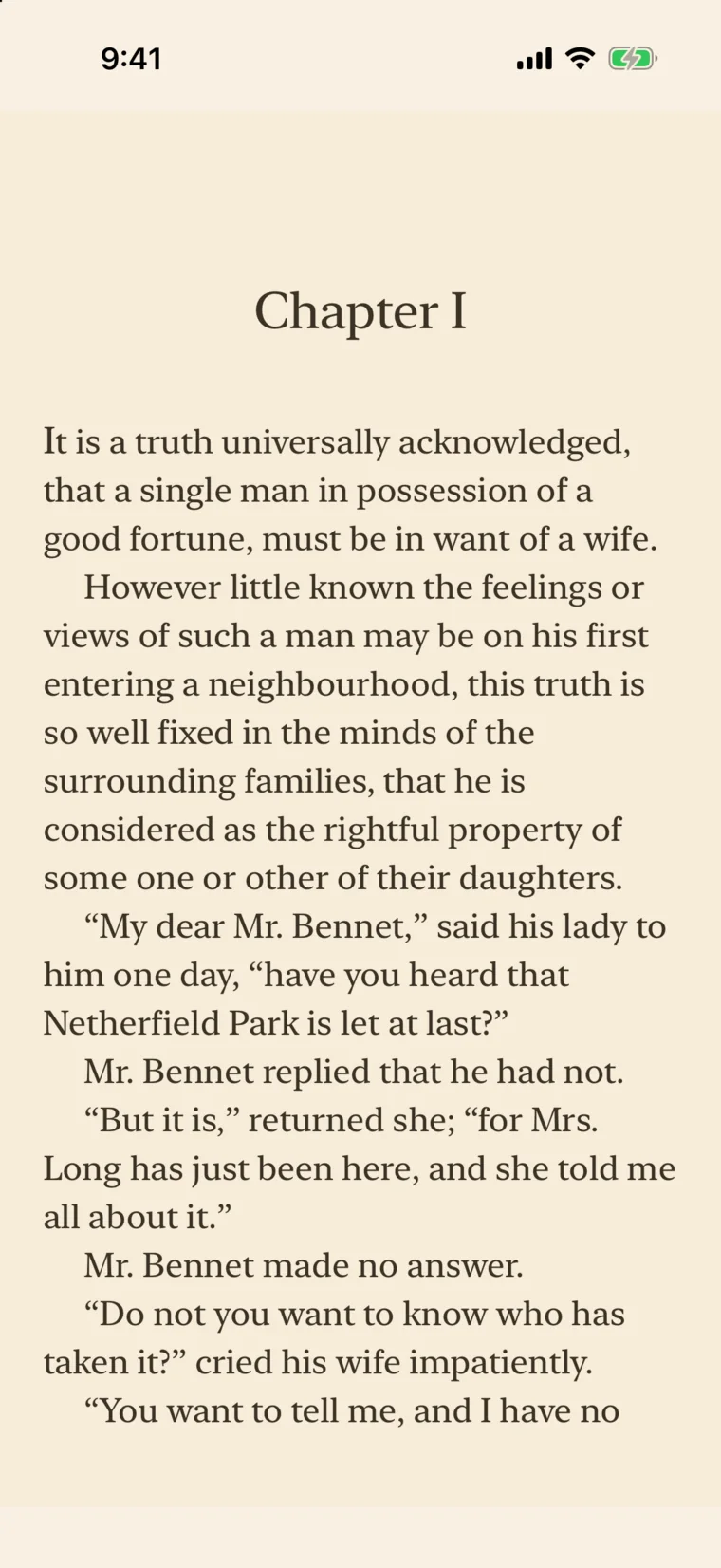
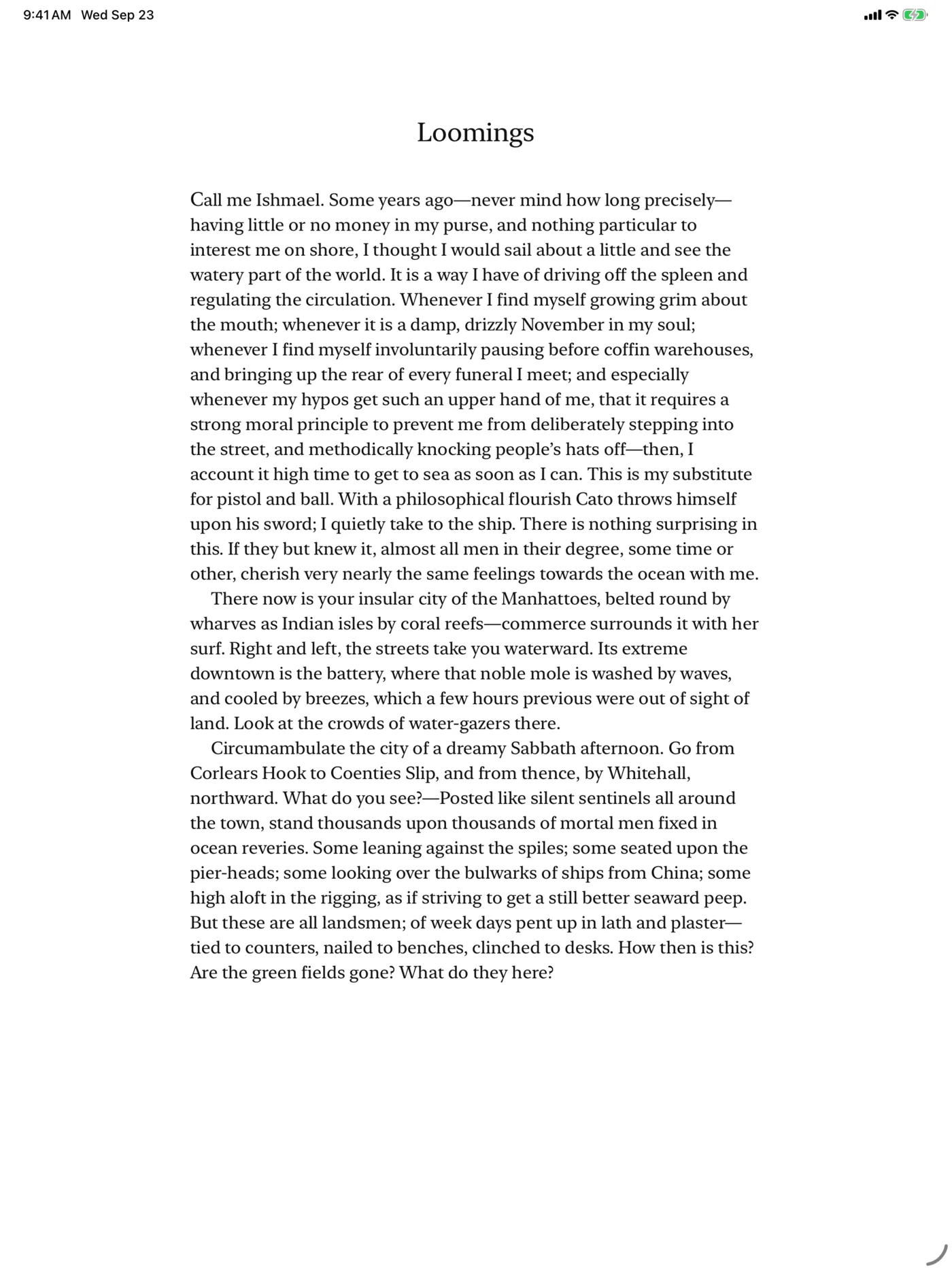
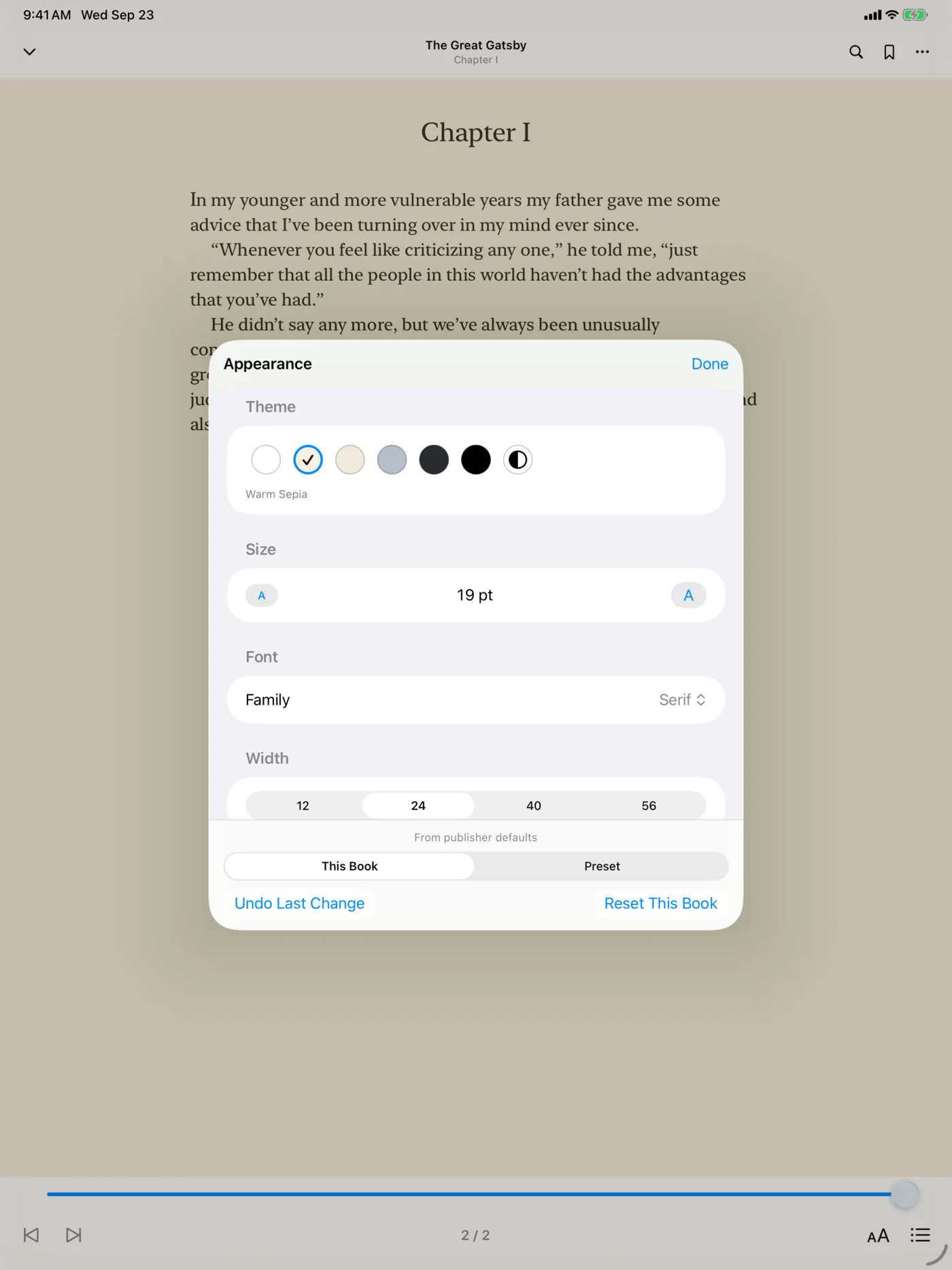
Controls fade away while you read and return with a tap. Choose a theme to see the same page the way Folio renders it.
Light, Warm Sepia, Parchment, Slate, Dark, and OLED Black. Pick one for daytime and another for night.
Publisher, Serif, Sans, Rounded, or Mono. Set the size, page width, and line spacing for one book or all of them.
Turn pages or read in one long scroll. PDFs add a reflowed Text mode for small screens.
Folio saves your position by the passage itself, not a page number, so it stays put when the layout changes.
Your library
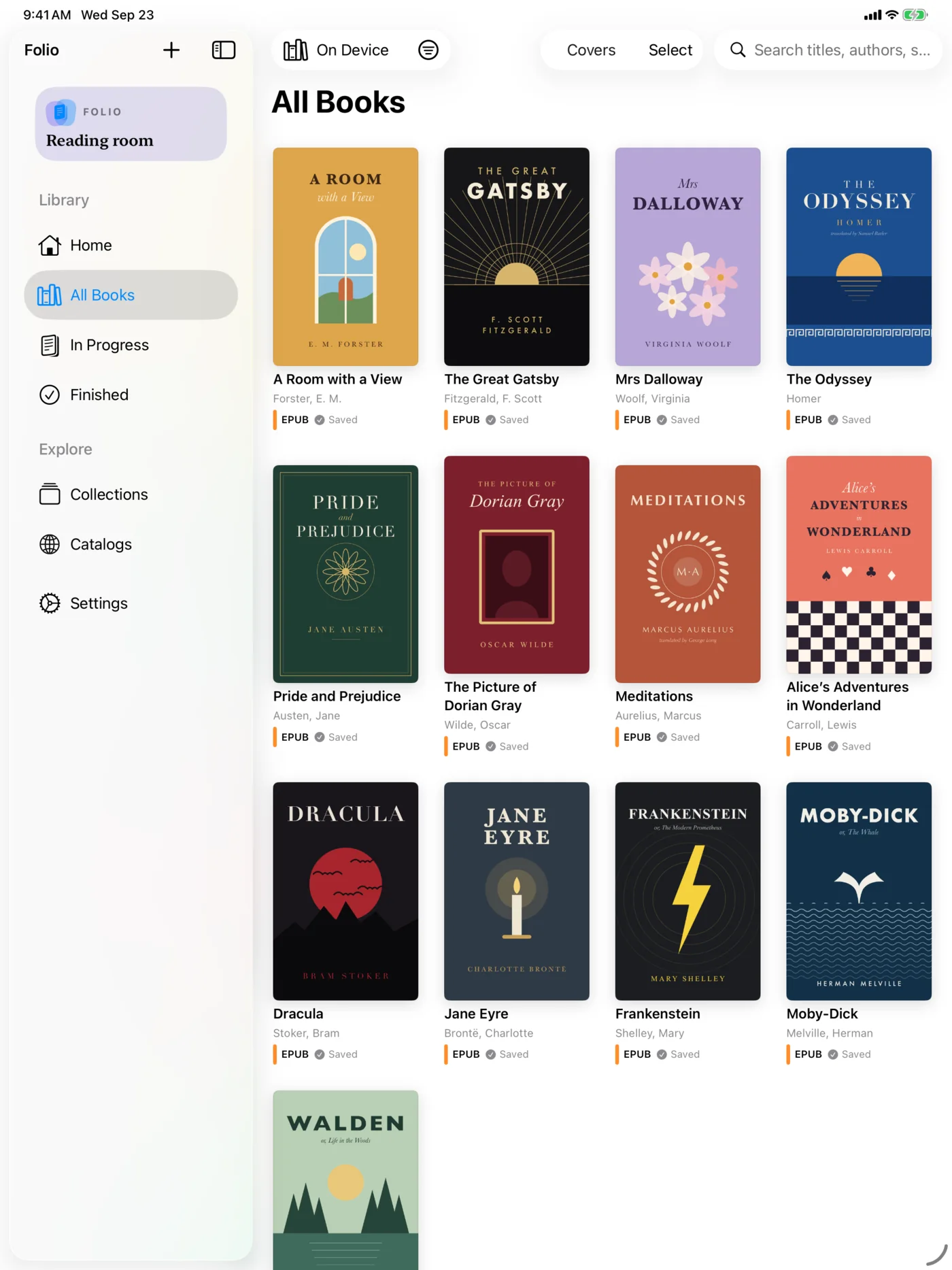
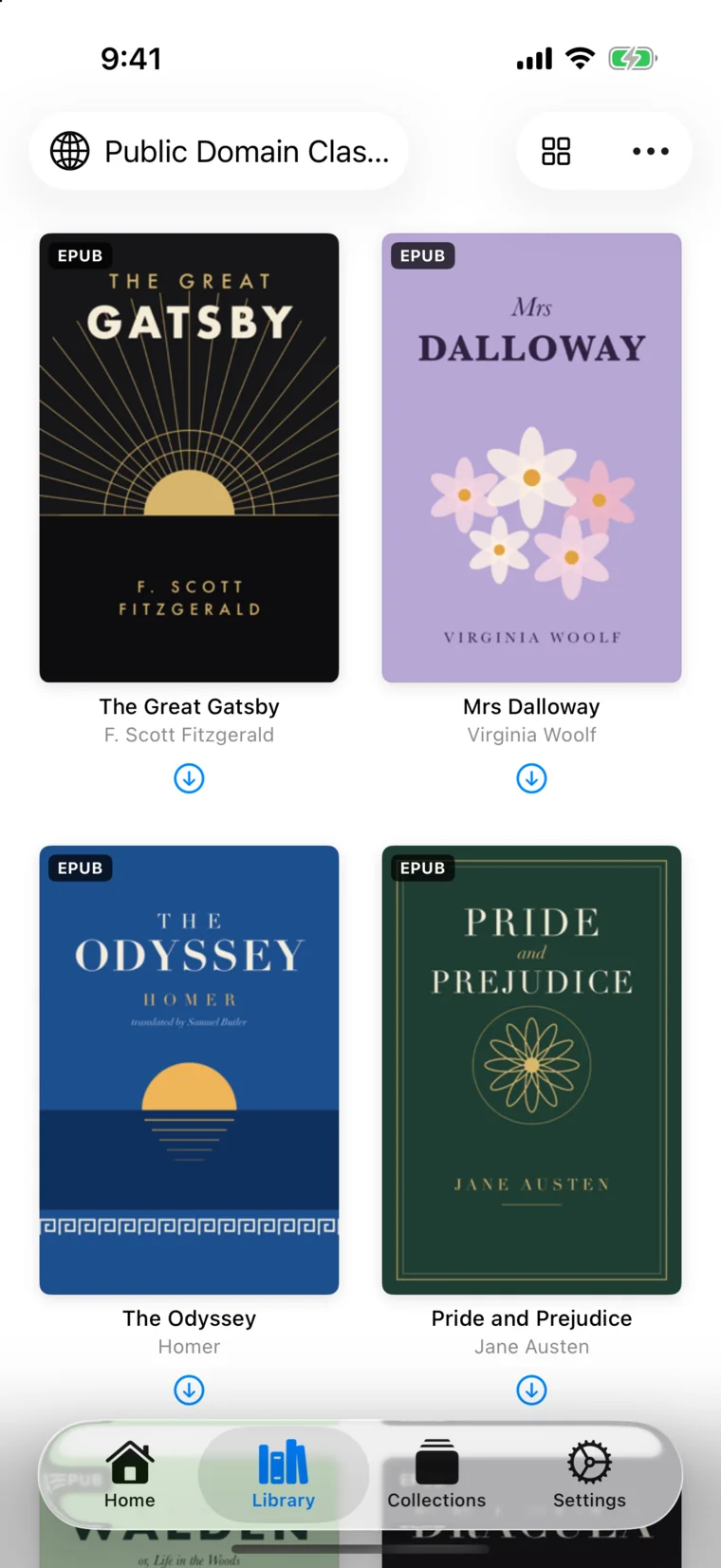
Import from Files, share from Safari, or download from a catalog. Folio reads the covers and details and shelves every book.
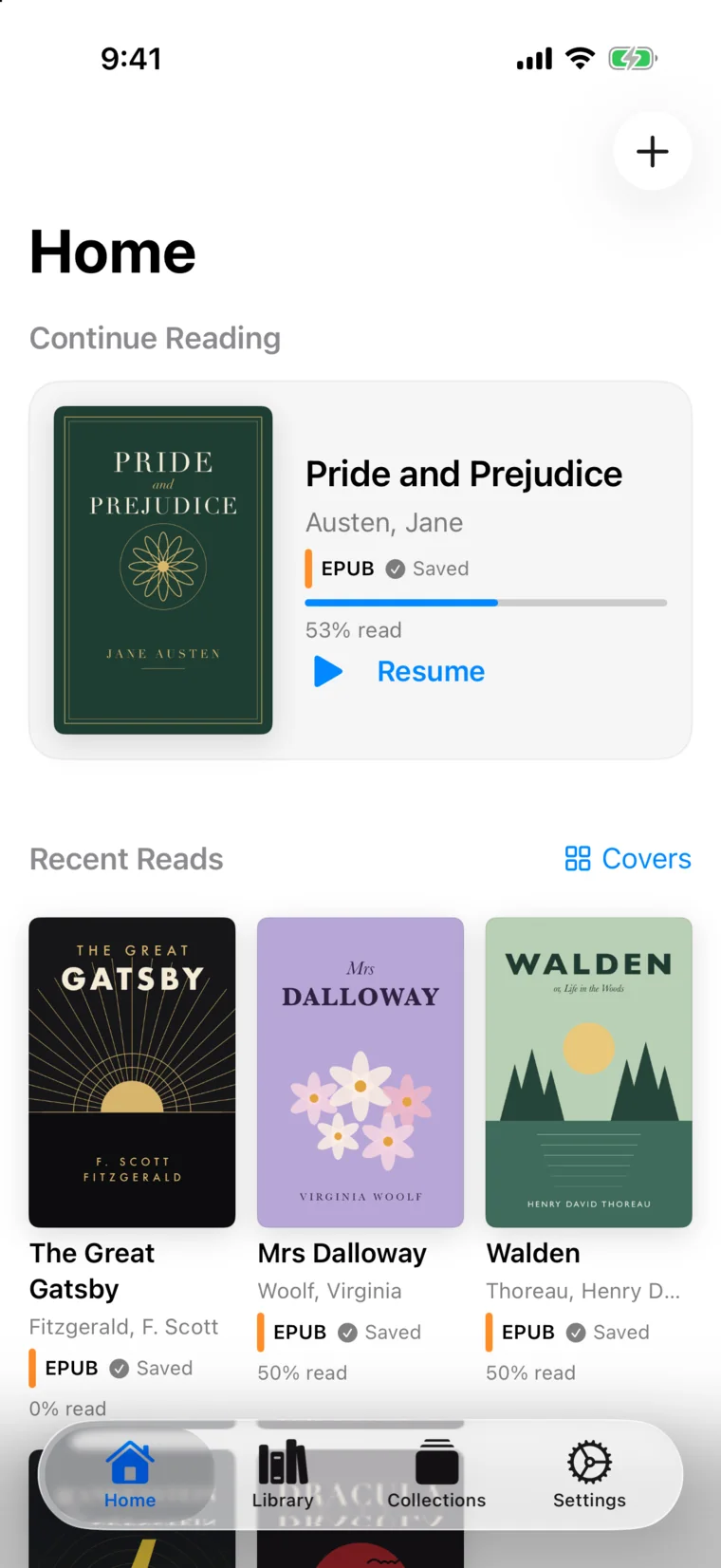
Continue Reading and your recent books wait on Home.
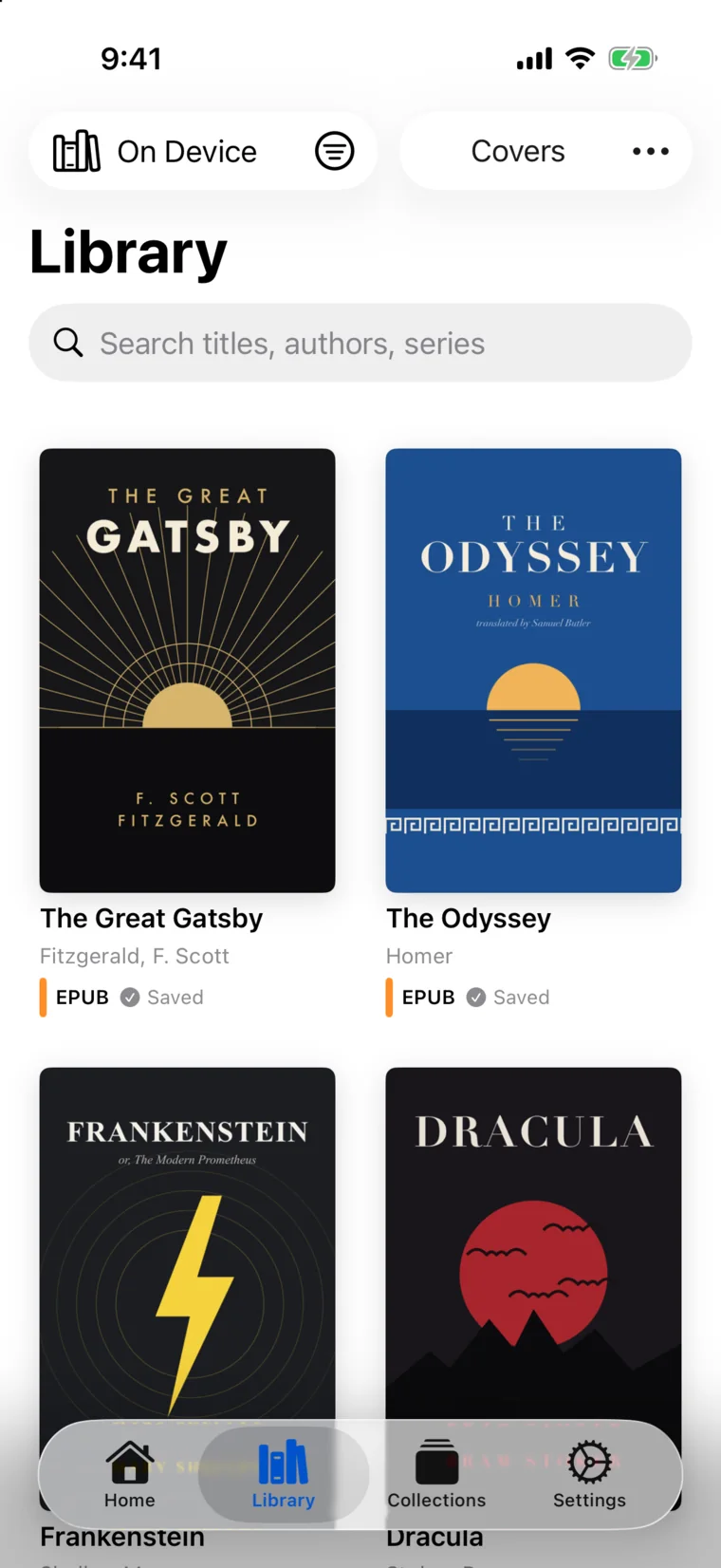
Covers or a list, format filters, and search by title, author, or series.
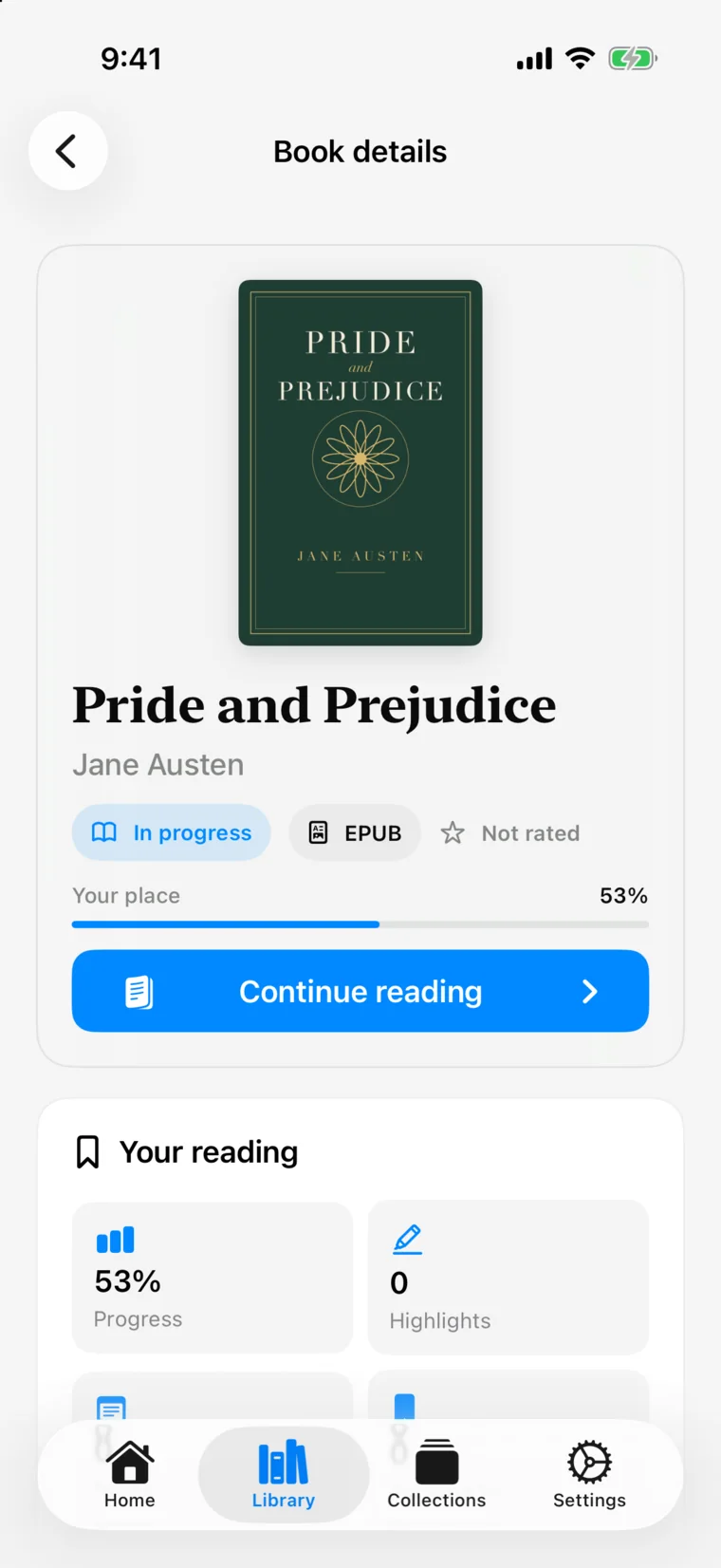
Progress, highlights, and notes for every book at a glance.
Search inside a book and jump straight to the passage.
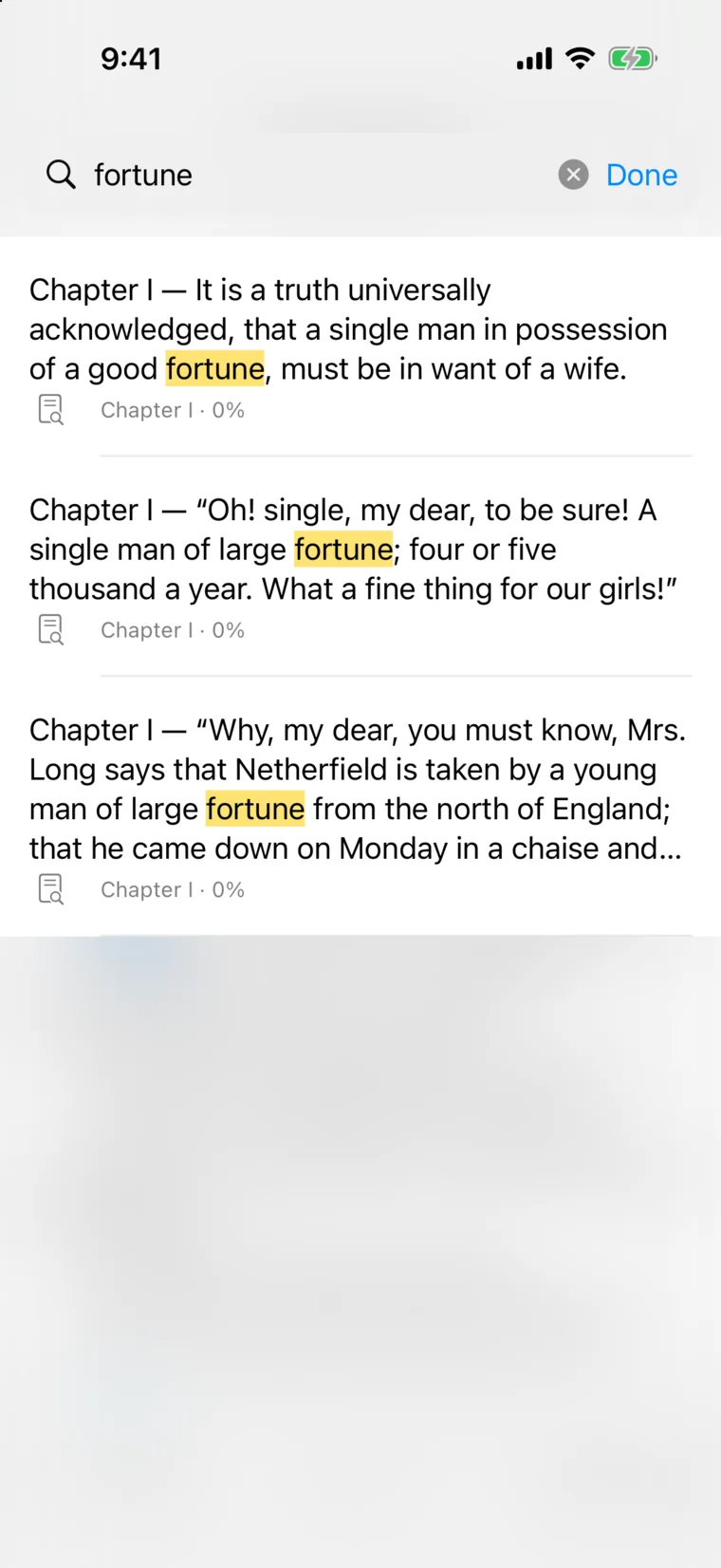
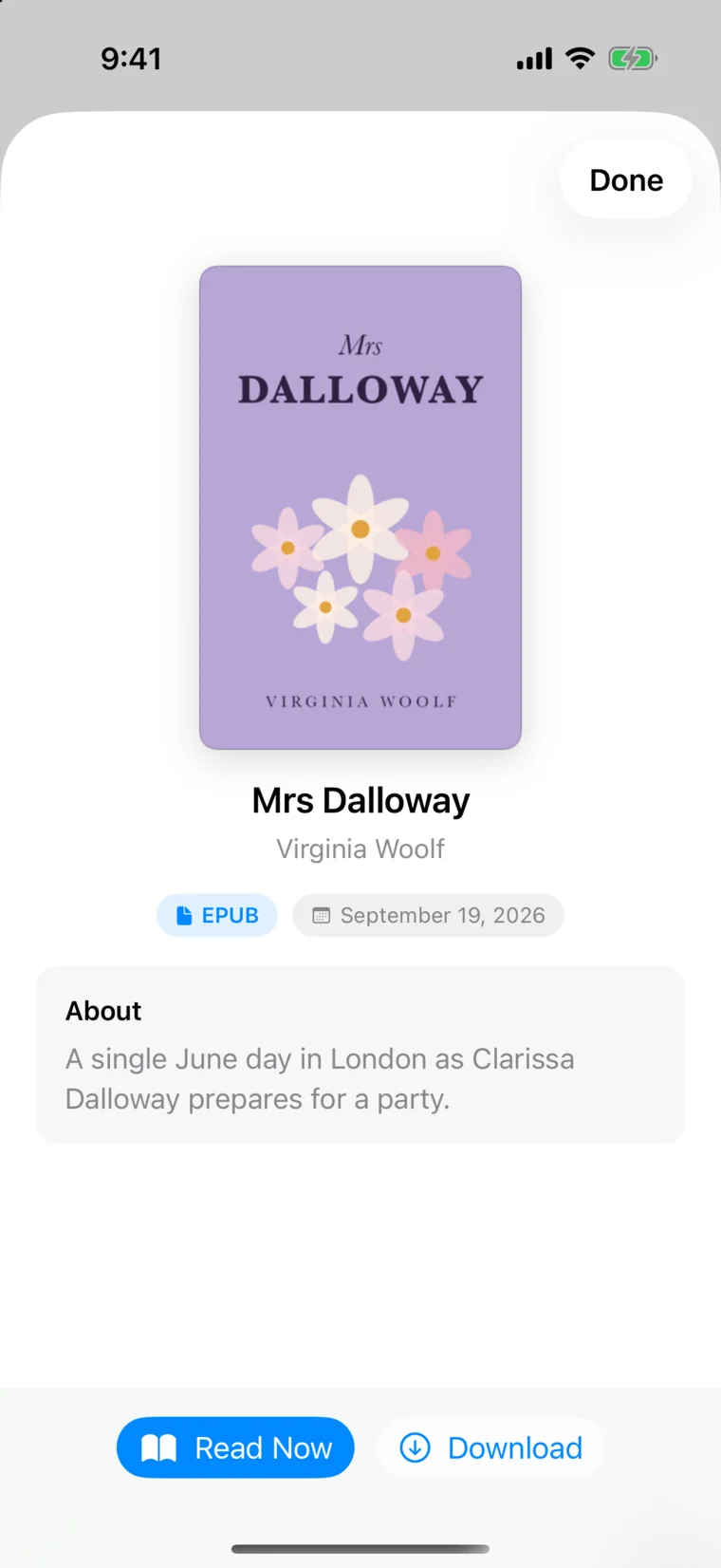
Screens from the current iPhone build, shown with public-domain books.
OPDS catalogs
Connect your Calibre server, a Komga comics library, or public catalogs like Standard Ebooks and Project Gutenberg. Browse them by cover and download straight into Folio.
Add any feed by its address. Browse by cover or list, with endless paging through big catalogs.
Catalog search and facets work the way your server defines them, including Calibre’s categories and sorting.
Connect password-protected libraries. Credentials are kept in your Keychain, never in the catalog data.
Queue one book or an entire folder. Downloads continue in the background and land in your library.
Read comics page by page without downloading them, and your place is saved back to the server.
Built for big libraries
Folio is designed around libraries of ten thousand books and more, so scrolling, sorting, and searching stay quick as your collection grows.
Import, search, and your library’s records run in a native Rust core shared by iPhone, iPad, and Mac.
SQLite full-text indexes cover titles, authors, book text, and your highlights, so search doesn’t read every book to answer.
Shelves fetch books a page at a time and covers are thumbnailed in the background, so a big library stays light.
Launch opens your library first. Importing, indexing, and syncing wait until the screen is ready.
iCloud sync
Folio syncs through the private database in your own iCloud account. There is no Folio server and no account with us, so your books, highlights, and notes only travel between your devices and your iCloud.
Sync is off until you turn it on. Turning it off leaves each device’s library intact.
iPhone · iPad · Mac
Native apps for iPhone, iPad, and Mac share the same library, reader, and settings, with your place and highlights kept in step by iCloud.
On iPad
A sidebar keeps Home, All Books, In Progress, Finished, Collections, and Catalogs a tap away. Books open full screen with comfortable, centered columns.
On Mac
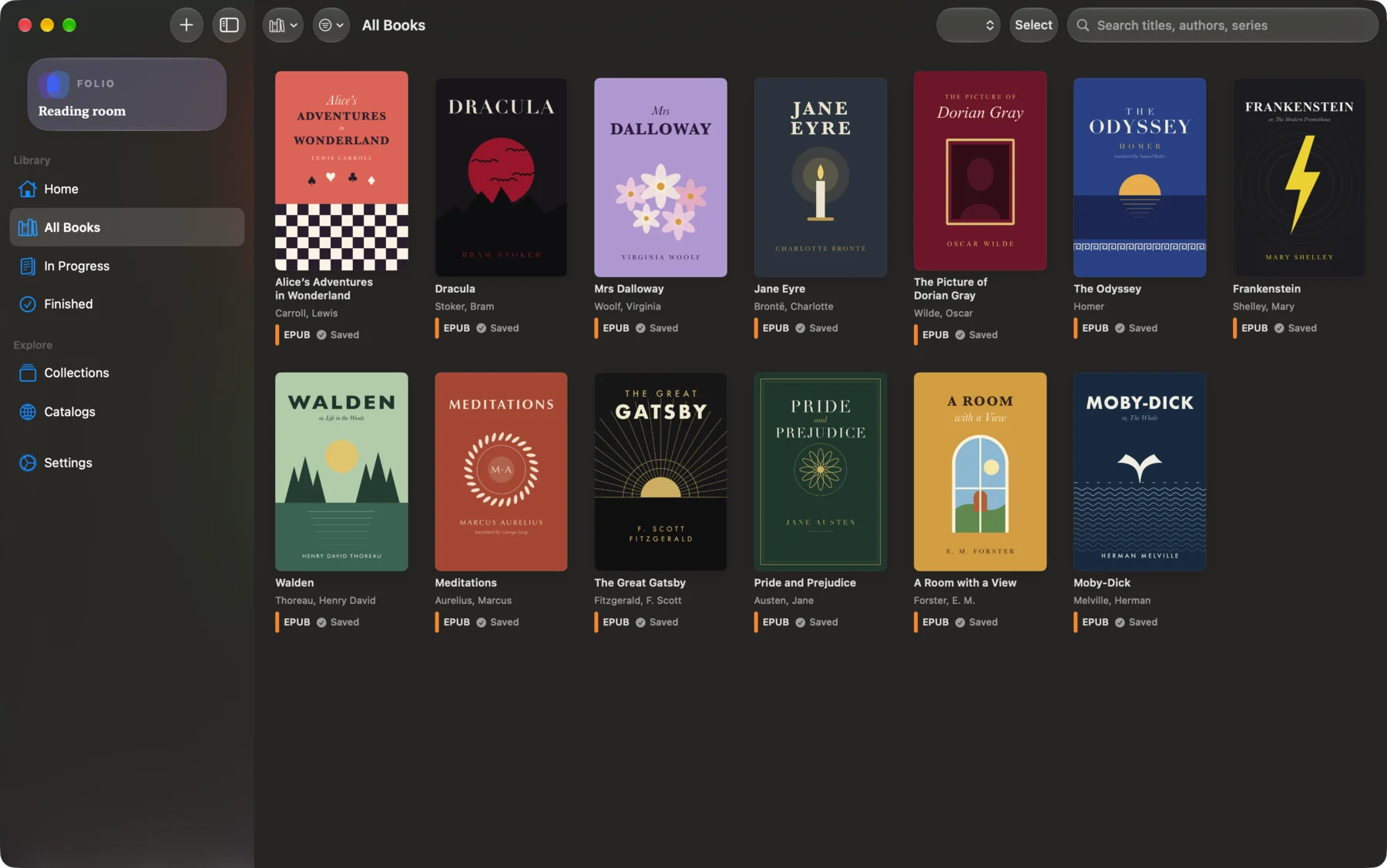
A native Mac app with a sidebar, a covers grid that fills a wide window, and books that open in windows of their own. Add books with File › Open and change the text size from the menu bar.
Made for real libraries
Highlight in yellow, green, blue, pink, or purple, or underline. Add a note, and find them all again in the Highlights tab.
CBZ, CBR, CB7, and CBT archives, one page or two-page spreads, read left to right or right to left.
Make manual collections, set up smart collections from rules, and pin the ones you use most.
Read as pages, as one continuous scroll, or reflowed as text that fits your screen.
Find a book by title, author, or series, or a line inside any book. Spotlight can find your books too.
Import from Files, share a book from another app, or use File › Open on Mac.
A Continue Reading widget for your Home Screen, and Shortcuts actions to continue reading, open a book, add a bookmark, or search your library.
Yours, always
Folio keeps your library on your device and never changes the files you import. Highlights, notes, and progress are stored alongside them, not inside them, and sync only through your own iCloud. Books open in a sandbox with no scripts and no network access.
Read the privacy detailsDRM-free EPUB 2 and EPUB 3 books, PDFs, comic archives (CBZ, CBR, CB7, and CBT), Markdown, and plain text. You can also browse and download from OPDS catalogs.
Only if they are DRM-free. Folio reads files you own outright and does not remove copy protection.
No. Folio has no subscription and no account to create.
Folio syncs through the private CloudKit database in your own iCloud account. There is no Folio server and no account with us, so your library, highlights, and notes never pass through a server of ours. Sync is off until you turn it on.
Any OPDS 1 or OPDS 2 catalog, including a Calibre content server, Komga, Standard Ebooks, and Project Gutenberg. Password-protected catalogs are supported, with credentials kept in your Keychain.
Folio is designed for libraries of 10,000 books and more. Shelves load a page at a time and search uses full-text indexes, so it doesn’t slow down as your collection grows.
Yes. Reading, highlighting, and searching all happen on your device. The network is only used for catalogs you add and for optional sync.
Folio is in development for iPhone, iPad, and Mac. Tap a store button and leave your email, and we’ll send one note on launch day.
Folio is built for Apple devices first, on a Rust core that can travel. Tap Google Play to join the Android list and we’ll email you when it’s ready.

Folio is in development for iPhone, iPad, and Mac, with no subscription. Pick your store and we’ll tell you the day it’s ready.
Not released yet. Choose a platform above for a launch notification.